11 Best Google Search Console Tools to Maximize Your SEO in 2026
Google Search Console is the most underused SEO tool on the market. These 11 tools extract insights from your GSC data that the native interface can't.
By Richard Castro · May 6, 2026 · 11 min read

Google Search Console is the only SEO data source that comes straight from Google, where every click, impression, and position is real rather than estimated. The problem is not the data, it is the interface: the native dashboard shows what happened, not what to do next. That gap is what the best Google Search Console tools close, turning raw data into actions you can ship this week. Here are eleven of them for 2026, from free options to AI platforms, with honest notes and prices that are approximate and change.
The right Google Search Console tool is not the most expensive or the most popular. It is the one that turns your GSC data into a decision you can act on today.
What to look for
A few criteria matter more than brand. Data depth comes first, because the native UI caps at 1,000 rows per query while a serious tool pulls everything through the Search Console API. Historical retention matters too, since GSC keeps only 16 months, so year-over-year work needs a tool that stores your data. Above all, look for actionability: dashboards are not insights, and the best tools cross-reference your queries, positions, and CTR to tell you which title to rewrite or which page to push. If you run several sites or languages, clean multi-property support saves real time.
The eleven tools
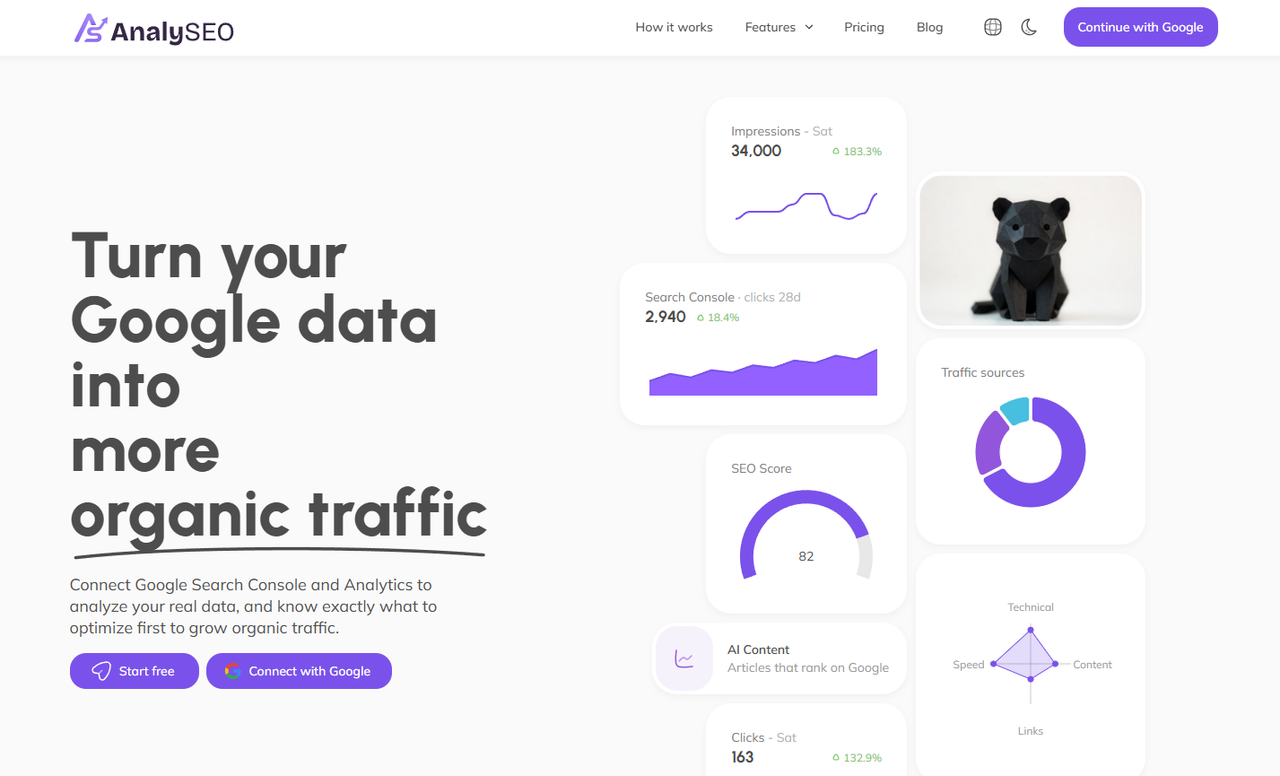
AnalySEO
From about $26 a month, AnalySEO connects to Search Console and Analytics and uses AI to surface prioritized actions instead of dashboards: cannibalization, striking-distance keywords in positions 5 to 15, and title rewrites. It goes well beyond GSC analysis: keyword research, competitor tracking with keyword and backlink gaps crossed against your own data, and AI articles that land in WordPress as drafts, on autopilot if you want. The honest tradeoff: it is a newer product than the veterans on this list. Best for founders, consultants, and SaaS teams who want one affordable tool that turns data into actions.
Looker Studio
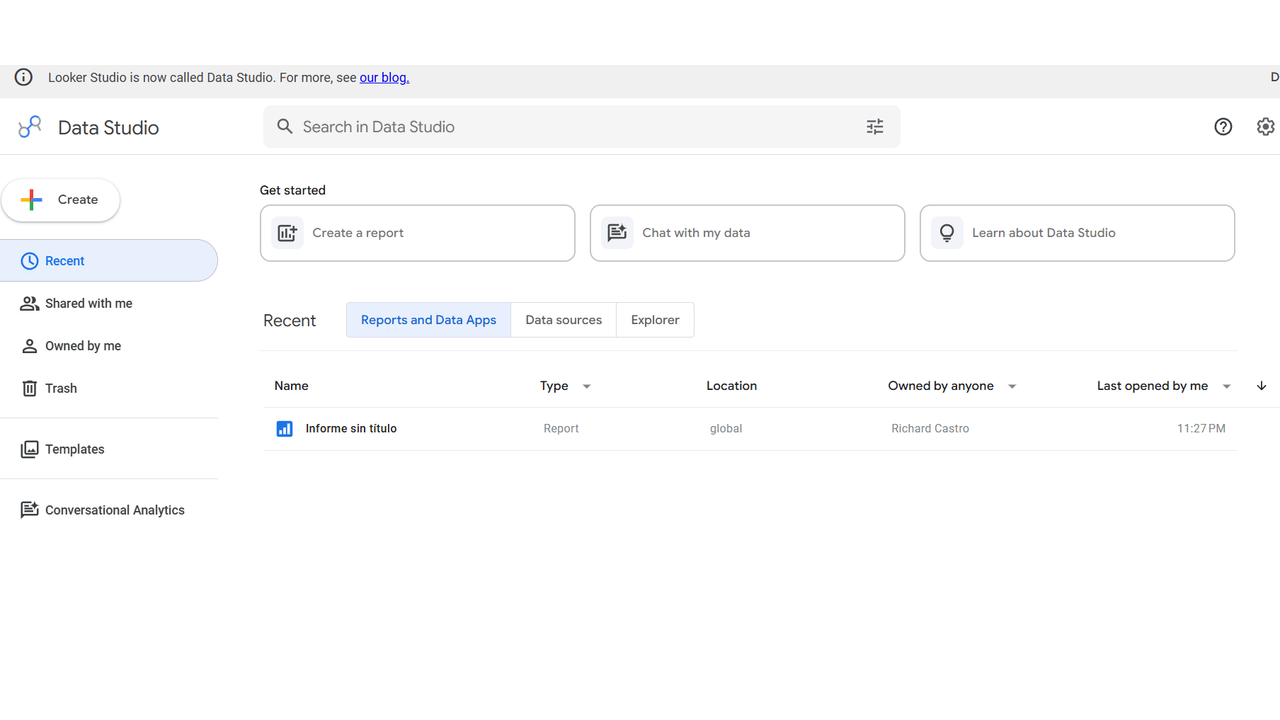
Free, Looker Studio is Google's own tool: it connects natively to GSC and builds custom dashboards, combining it with GA4 and hundreds of other connectors. The learning curve is real and it offers no AI suggestions, so you analyze the data yourself. Best for analysts who want full custom reporting.
Search Analytics for Sheets
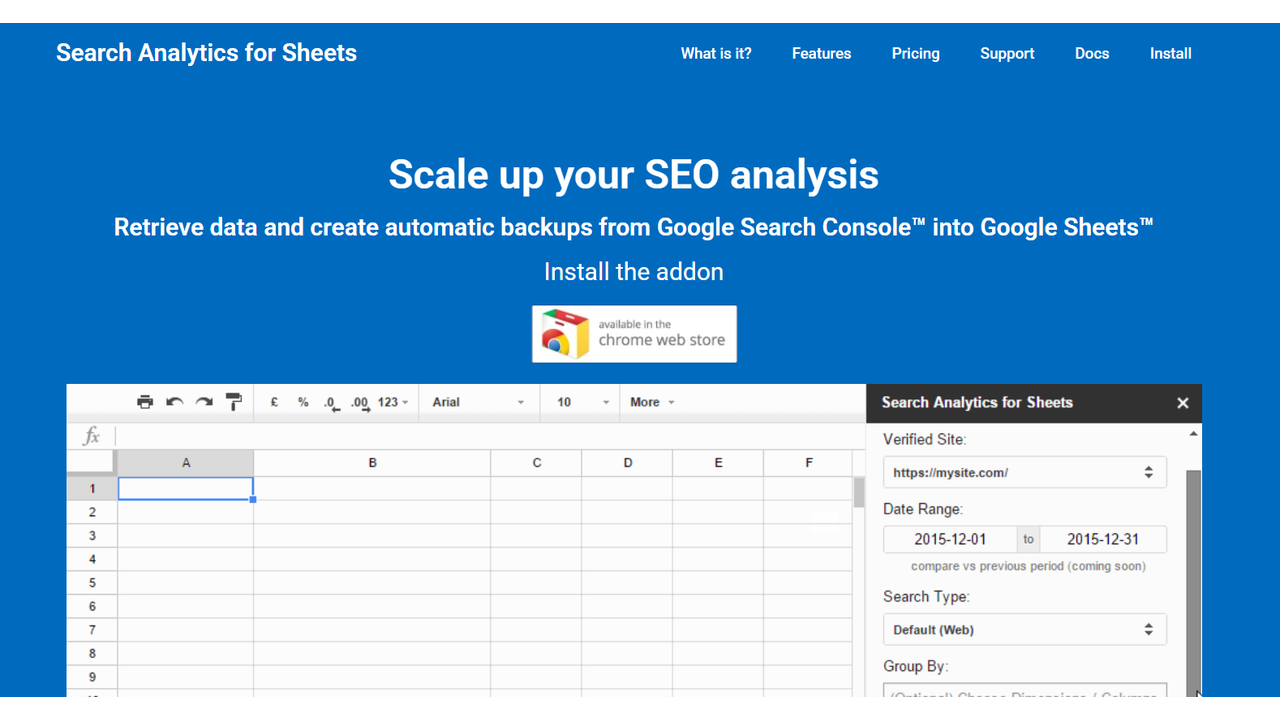
Search Analytics for Sheets is a free Sheets add-on that pulls GSC data past the 1,000-row limit and schedules snapshots. It is raw export, not analysis. Best for anyone dumping data into spreadsheets or feeding other tools.
Semrush
From around $140 a month, Semrush overlays its keyword database on your GSC data and adds strong competitive research. It is overkill and pricey if all you need is GSC analysis. Best for teams already using it, and you can compare cheaper options in our Semrush alternatives.
Ahrefs
From around $129 a month, Ahrefs added GSC integration, but its real strength is pairing your data with the largest backlink index. The GSC features feel secondary. Best for strategies driven by backlinks, with lighter picks in our Ahrefs alternatives.
Indexing API connector
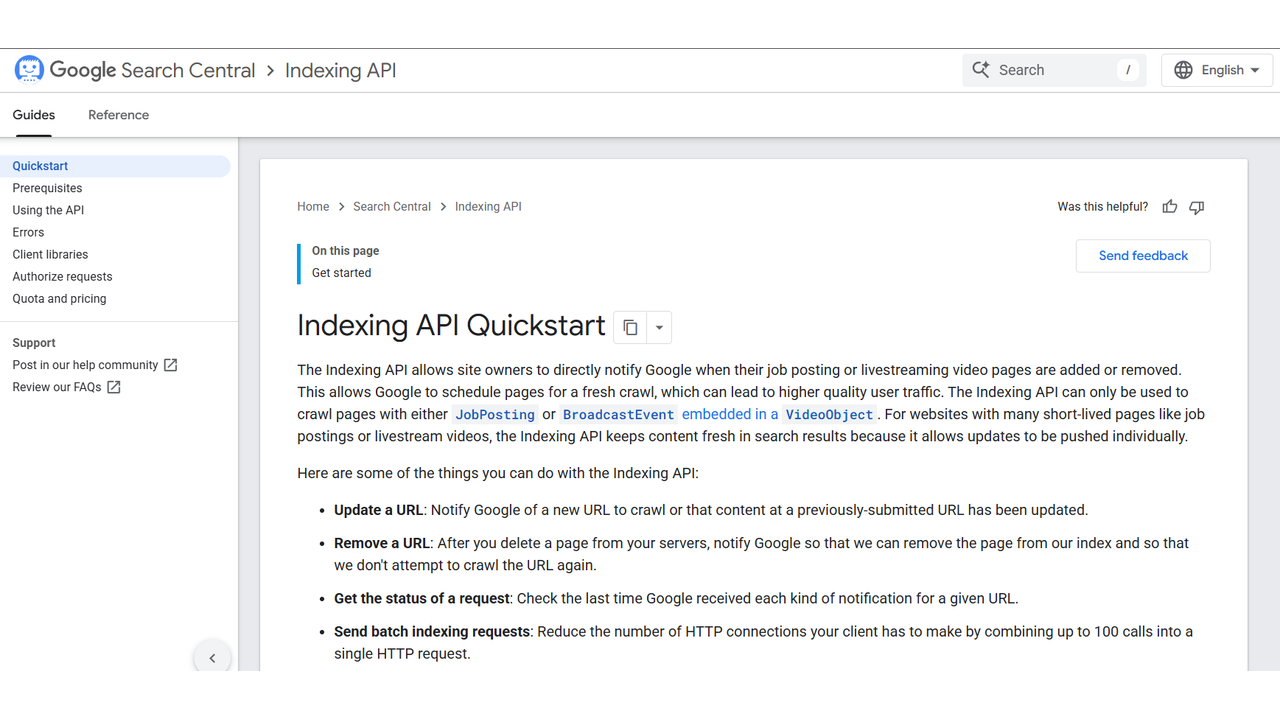
Free with technical setup, Google's Indexing API pings Google when pages change and is widely used to speed discovery. It needs Google Cloud setup and is officially scoped to specific page types. Best for developers on frequently updated sites.
Keylogs
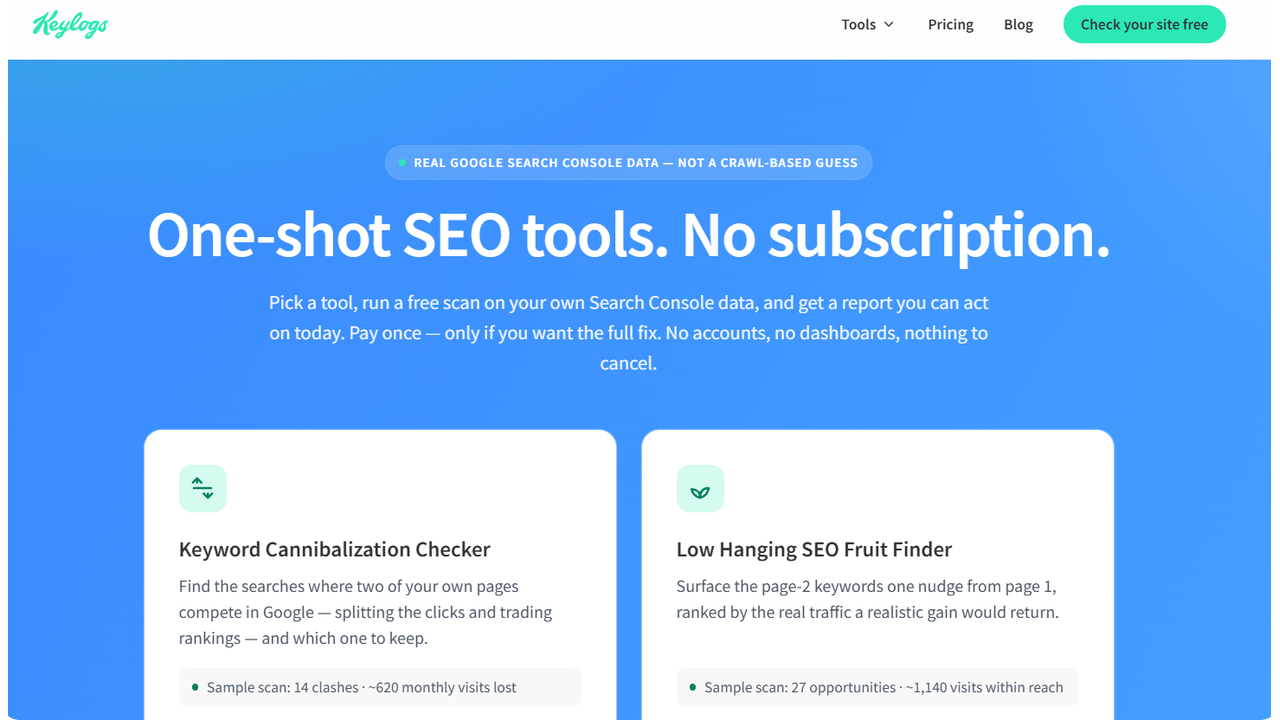
From about $9 a month, Keylogs does one thing well: track your GSC positions over time in a clean, no-frills interface. It is tracking only, with no opportunity detection. Best for solo consultants on tight budgets.
Sitebulb
From roughly $14 a month, Sitebulb is a desktop crawler that imports GSC data to show which technical issues hurt your indexed pages, visualizing crawl paths and link equity. It is desktop only. Best for technical SEOs auditing large sites.
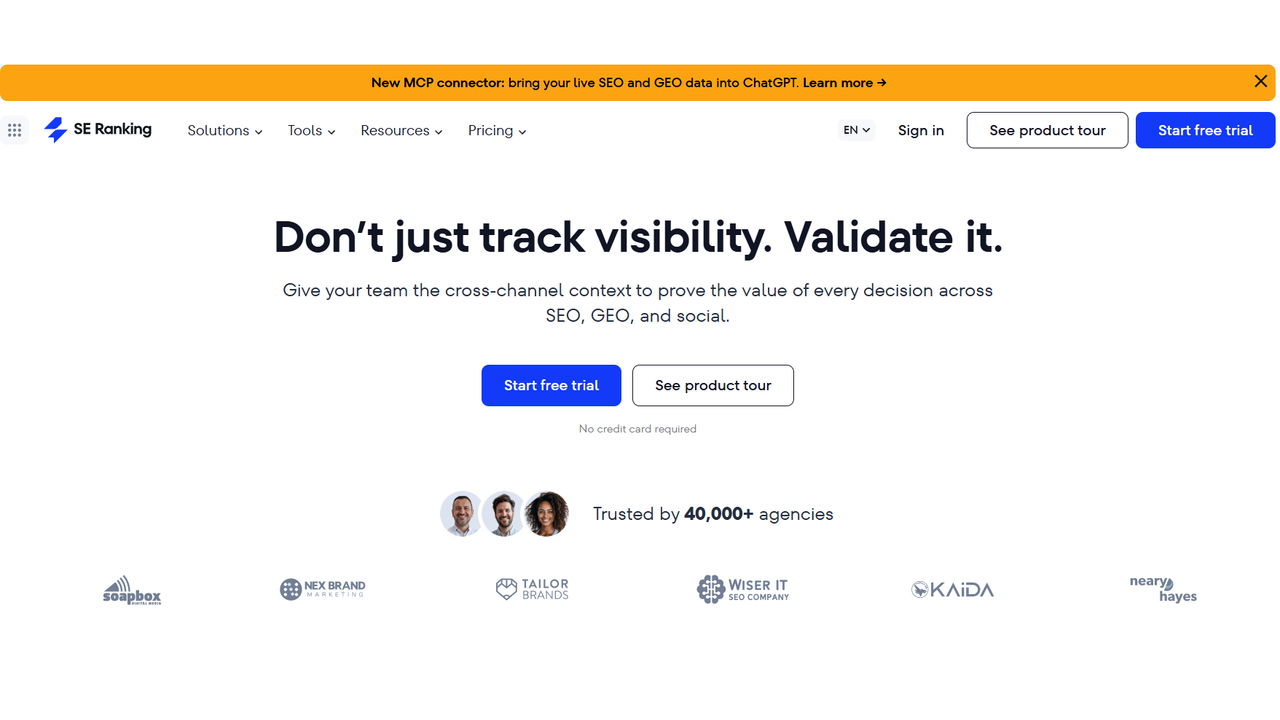
SE Ranking
From around $65 a month, SE Ranking pairs GSC integration with competitor research at roughly half Semrush's price, plus white-label reports. Its database is smaller and its AI less polished. Best for small agencies.
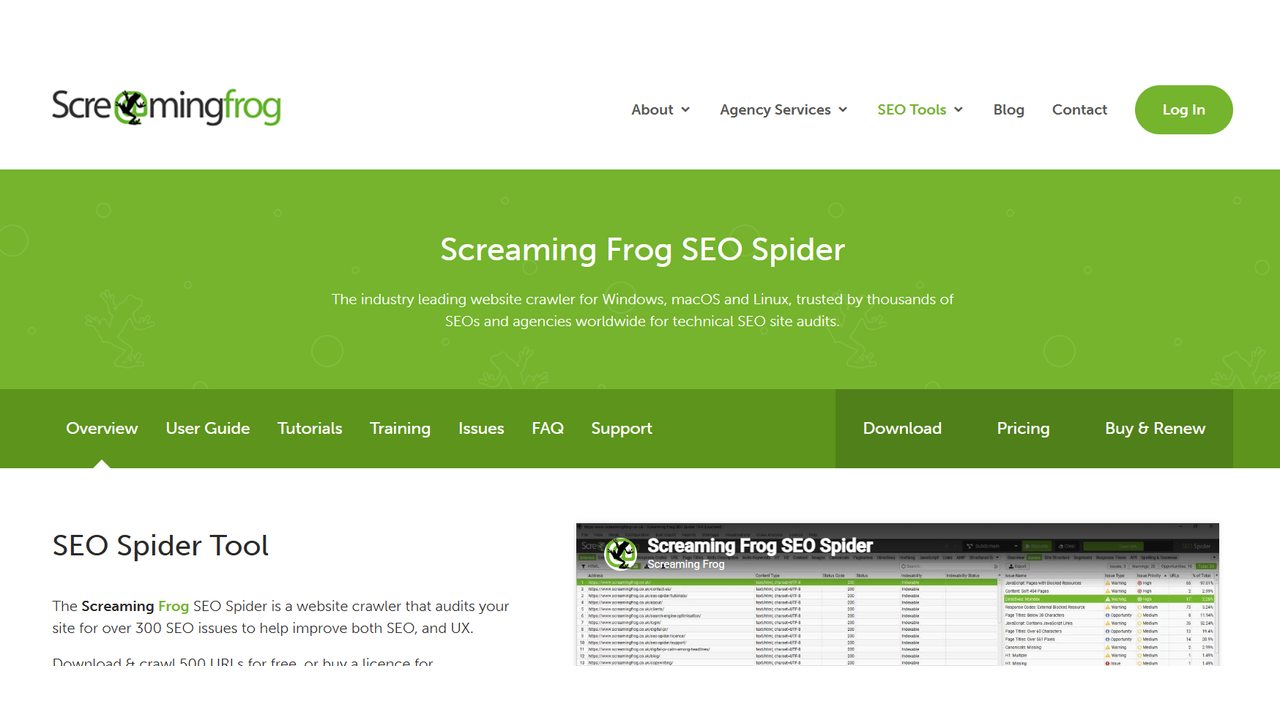
Screaming Frog
Free up to 500 URLs and a modest annual fee for unlimited, Screaming Frog is the industry-standard crawler and connects to GSC to import indexing status alongside crawl data. The interface is dated and it is not continuous monitoring. Best for quarterly technical audits.
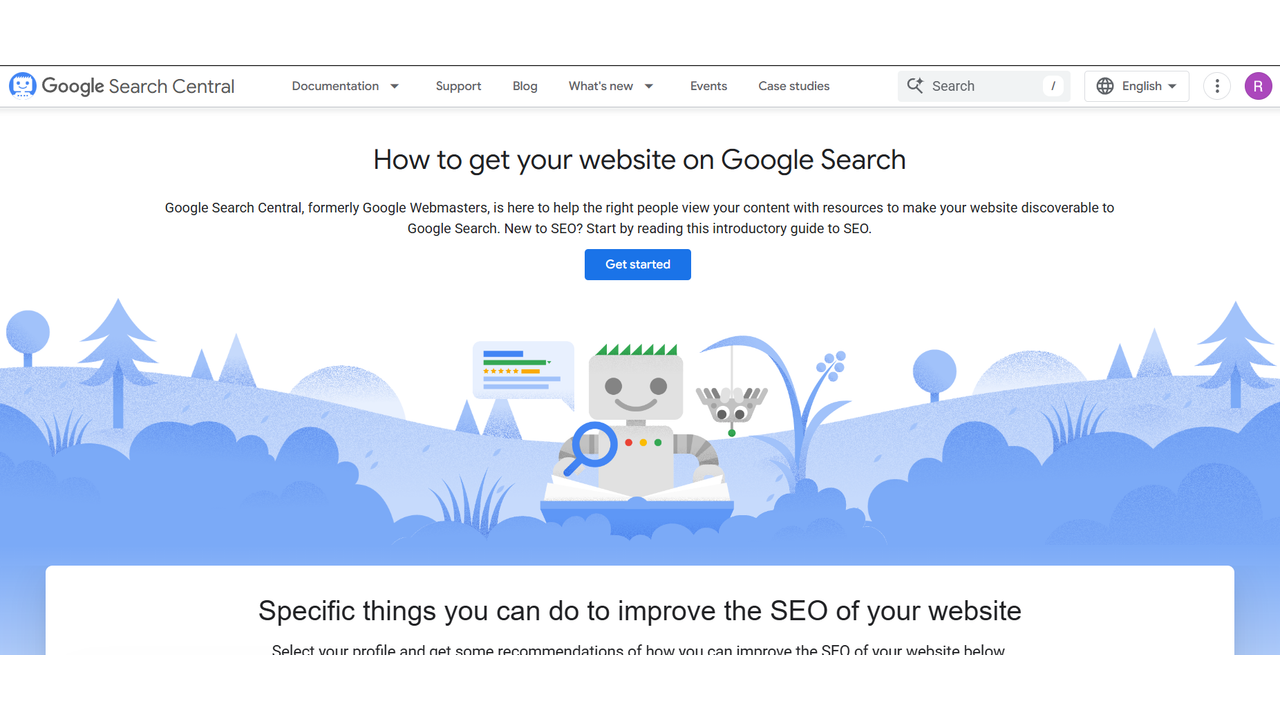
Custom scripts with the GSC API
Free beyond cloud costs, the well-documented Search Console API lets engineers build any analysis and export to a data warehouse. It needs engineering time and has no UI for non-technical users. Best for data teams with resources.
Quick comparison
| Tool | From (USD/mo) | Best for | AI |
|---|---|---|---|
| AnalySEO | ~26 | Founders, consultants, SaaS | Yes |
| Looker Studio | Free | Custom dashboards | No |
| Search Analytics for Sheets | Free | Bulk export | No |
| Semrush | ~140 | All-in-one SEO | Yes |
| Ahrefs | ~129 | Backlinks plus GSC | Limited |
| Indexing API | Free | Fast indexing | No |
| Keylogs | ~9 | Cheap tracking | No |
| Sitebulb | ~14 | Technical audits | No |
| SE Ranking | ~65 | Agencies | Limited |
| Screaming Frog | Free to paid | Crawl audits | No |
| Custom scripts | Free | Data teams | DIY |
How to choose
Answer three questions first. Is your bottleneck data or decisions? If you can read the dashboard but never act, pick a tool that prioritizes actions. If the native UI hides data you need, a free export tool is enough. How many sites do you manage? One or two run fine on free tools, three to ten justify paid tools, and ten or more make agency platforms economical. And do you need backlinks? If yes, use a full platform like Ahrefs or Semrush. If no, a focused GSC tool gives more value per dollar.
Common mistakes
Even the best tool cannot save a bad process:
| Mistake | Why it fails |
|---|---|
| Connecting only GSC or only GA4 | You miss the conversion side |
| Tracking every keyword equally | You waste effort on no-intent terms |
| Reviewing data only monthly | Most opportunities decay within weeks |
| Ignoring CTR data | A small CTR lift on a top page can beat new content |
| Never exporting history | You lose year-over-year context past 16 months |
A lean stack to start
From scratch, a strong 2026 setup is simple: Search Console itself properly configured, Looker Studio for one monthly report, AnalySEO for daily prioritized actions and keyword research, and Screaming Frog's free tier for quarterly audits. That is around $26 a month plus your time, and most teams overspend on tools they do not need early on. Whatever you choose, the truth holds: GSC has the answers about your SEO, and the right tool just makes them faster to find. A 30-minute SEO audit is a good way to see which ones matter most for your site.
Frequently asked questions
Are Google Search Console tools necessary if I already have GSC?
GSC's native interface shows you data, but not what to do with it. External tools are valuable when you want to detect cannibalization, find keywords stuck in positions 5-15, see CTR underperformance vs benchmarks, or get prioritized actions. If you only check GSC twice a month, the native UI is enough, if SEO is a real channel for you, a tool that surfaces opportunities saves hours every week.
What's the difference between Google Search Console tools and SEO platforms like Semrush or Ahrefs?
Semrush and Ahrefs use estimated third-party data (volumes, positions, traffic) inferred from clickstream and SERP scrapes. Google Search Console tools use your real data, clicks, impressions, average position, CTR, straight from Google. The two are complementary: GSC tools optimize what's already happening on your site, Semrush/Ahrefs are better for competitive research and discovering new keywords.
How much should I pay for a Google Search Console tool?
Free options like Looker Studio and the native API cover basic reporting. Paid tools start around $20-30/month for solo founders or consultants. If you manage more than 5 sites, expect $50-100/month. Anything over $200/month for GSC-only data is overpriced, at that point you're paying for full SEO platforms, not GSC analysis.
Can these tools replace an SEO consultant?
For tactical work, finding keywords to optimize, fixing CTR, detecting indexing issues, yes, the right tool replaces 80% of the work a junior consultant does. For strategy, content positioning, and link building, a senior consultant still adds value. The most efficient setup is a GSC tool plus 2-4 hours of senior consulting per month.
Why is my Google Search Console data sometimes different from what tools show?
GSC anonymizes queries with very few impressions and applies privacy thresholds, so external tools using the API always lose 5-30% of the long tail. The aggregate clicks and impressions match closely, but query-level breakdowns will differ. If you see large discrepancies, check your tool's date range, property type (domain vs URL prefix), and country/device filters.